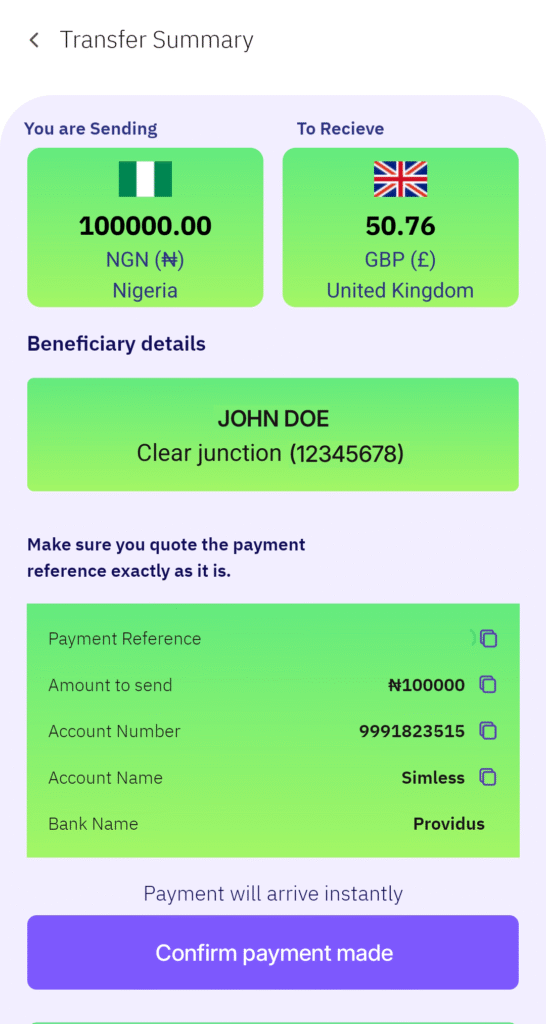
How to Send Money from Nigeria to the UK Using SimlessPay

You can fund a UK (GBP) account from your Naira (NGN) balance by following these steps:
Log in to your SimlessPay app (ensure your account is fully verified).
1. On the home screen, tap the ‘SEND MONEY’ button.
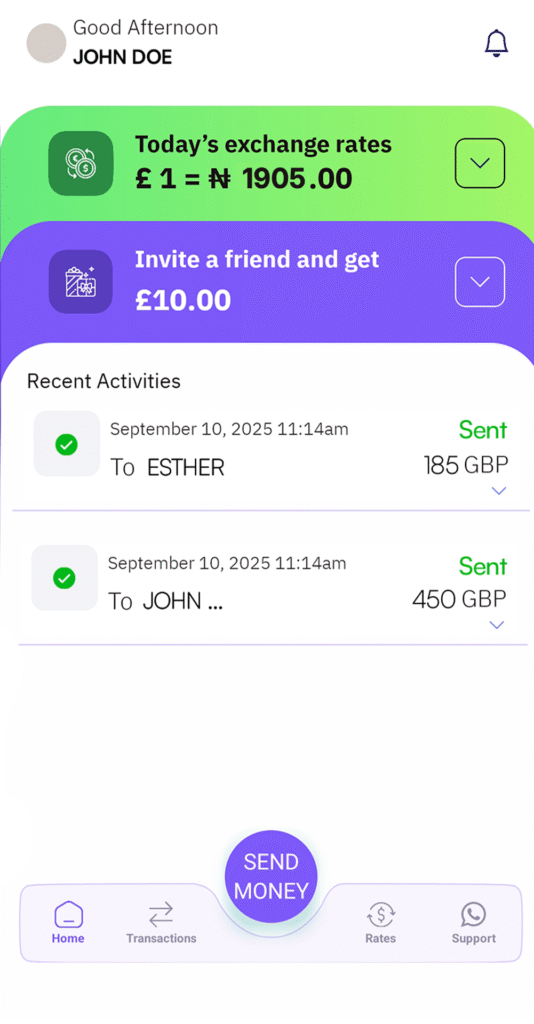
2. Confirm that Nigeria (NGN) is selected as the sending country.
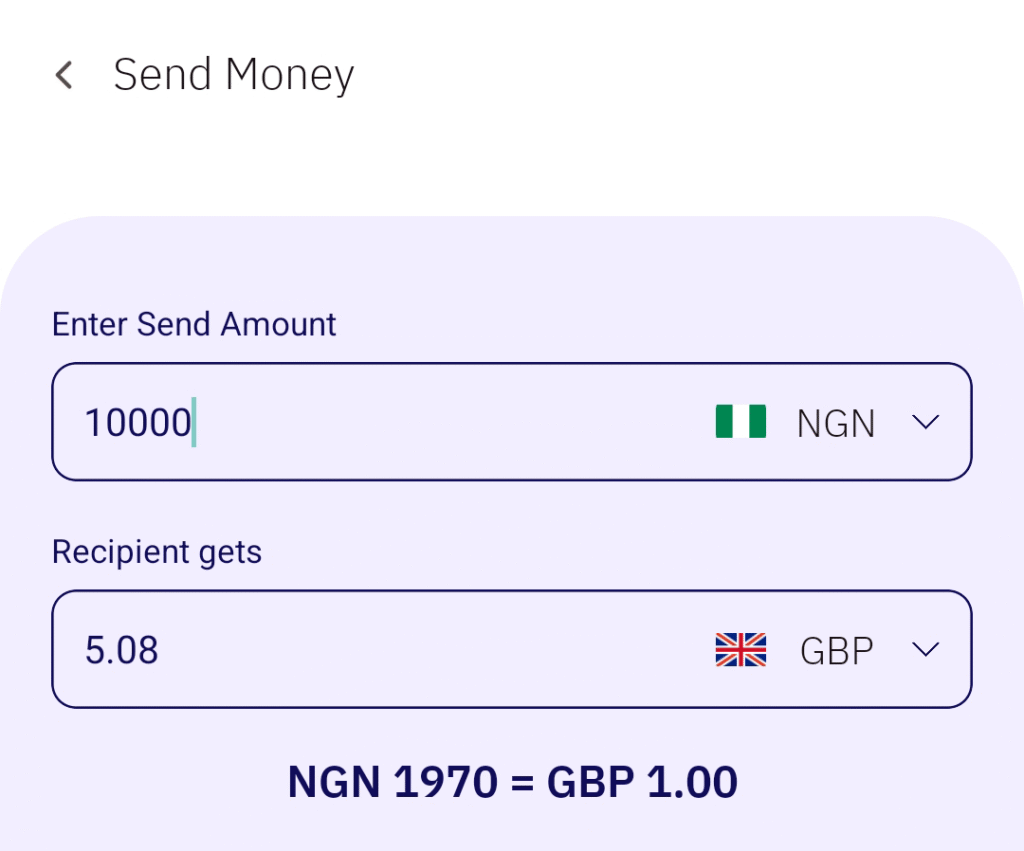
3. Enter the amount you wish to send and tap ‘Continue’.
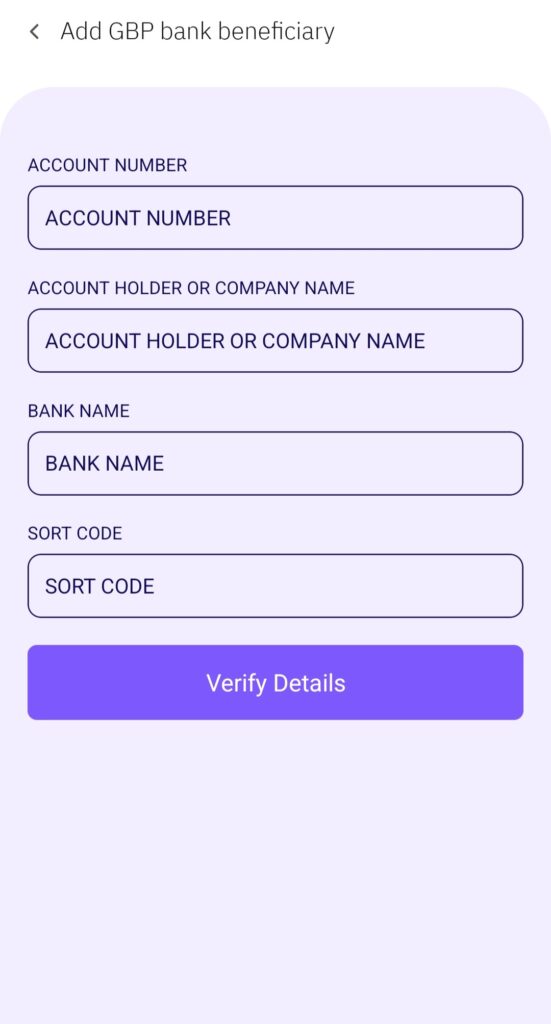
4. Tap ‘Add New GBP Bank Beneficiary’.
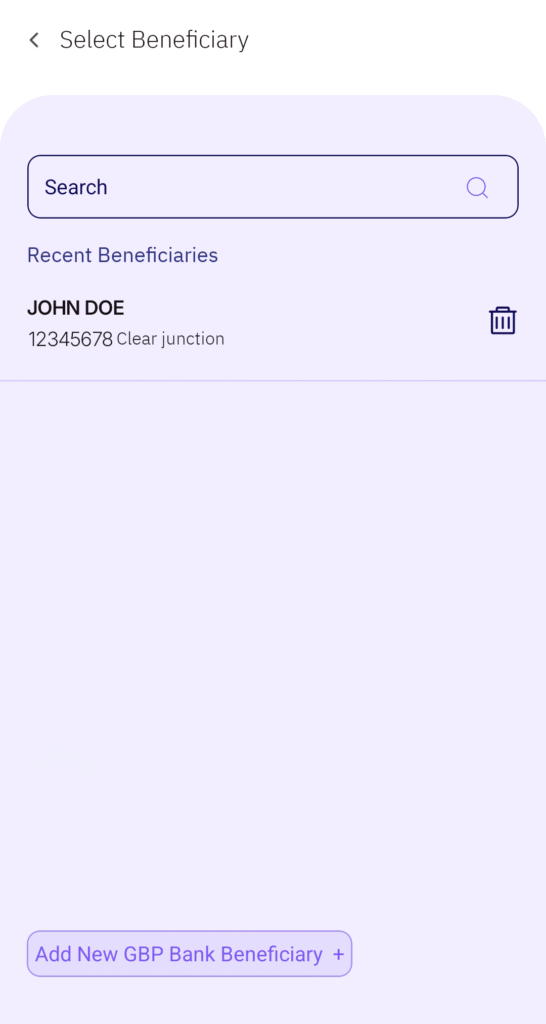
5. Fill in the beneficiary’s details to proceed with the transfer.
6. Transfer the exact amount displayed to the provided account reference, then tap ‘Confirm Payment Made’.