

SimlessPay users can refer family and friends by following these steps:
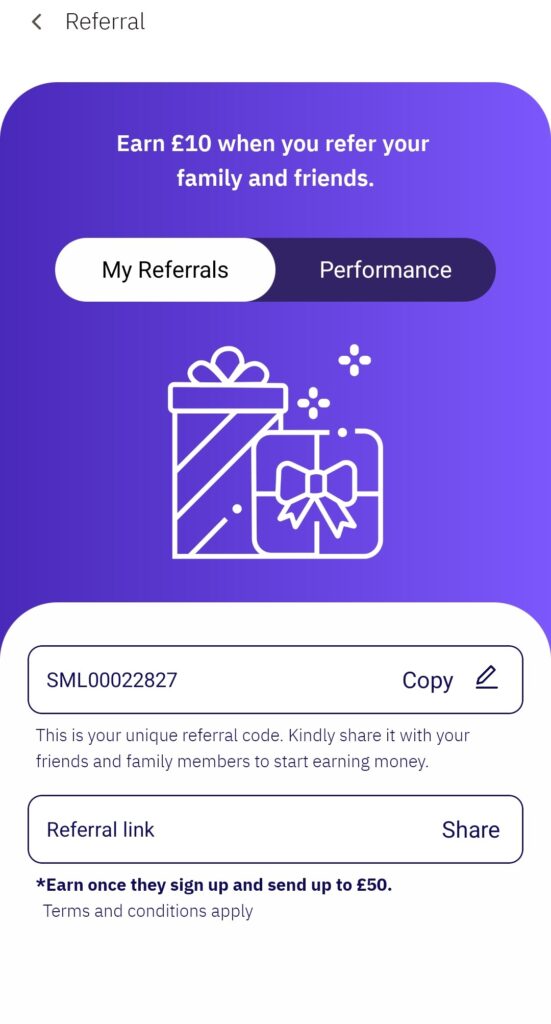
To Share Your Referral Link
- Log into the app and navigate to the “My Referral” section from your profile page.
- Tap “My Referrals,” then tap “Share” to copy and send the link to friends and loved ones.
To Personalize Your Referral Code
- Log into the app and navigate to the “My Referral” section from your profile page.
- Tap the pencil icon next to your unique referral code to edit it.
- Enter your desired referral code.
- Tap the tick icon to save and share.